How to Sell Online in Pakistan Without a Website (2026 Guide)
You don't need a developer or a website to take orders online. Here's how a kiryana, cloth or medical store can start selling online this week, for free.
Most shops in Pakistan already sell on WhatsApp: a customer sends a voice note, you reply with prices, and someone delivers. It works, but it doesn't grow. Every order takes ten messages, prices get lost in chats, and nobody new finds you.
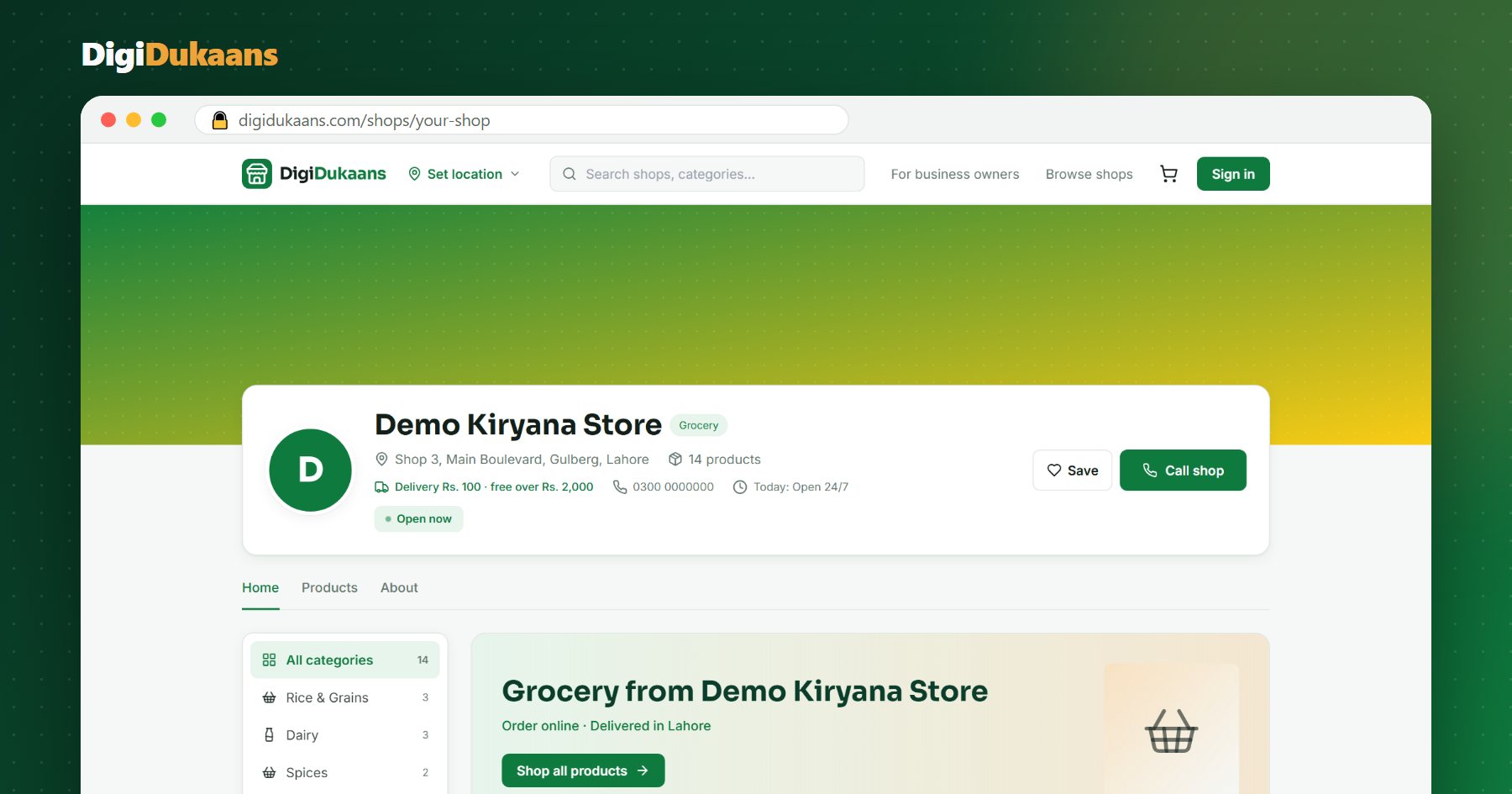
Selling online properly doesn't mean building a website. It means giving customers a place where they can see what you sell, at what price, and order in a few taps.
What you actually need
- A shop page with your products. Photos, prices and stock, so customers stop asking "kitna ka hai?" one item at a time.
- A way to take orders. An order with the items, address and phone number, not a long chat.
- Delivery you control. Your own boy on a bike, or a rider, with your own delivery fee.
- Cash on delivery. Most customers in smaller cities still prefer to pay on delivery.
- A link you can share. On WhatsApp status, in groups, and printed as a QR code at your counter.
A website gives you none of these by itself. You would still need hosting, a developer, a payment setup and someone to update it.
Step by step: your shop online in a day
- Create your shop. On DigiDukaans, choose "I want to open a shop", add your shop name, category and city. The Online Shop plan is free.
- Add your products. Start with your 20 best sellers. A clear photo, a name customers would search for ("Dalda Cooking Oil 5L", not "oil big") and the price.
- Set delivery. Choose your delivery fee and, if you like, free delivery above an amount (for example, free above Rs 2,000).
- Set your hours. Orders that come while you're closed wait for you and are confirmed when you open.
- Share your link. Put it on your WhatsApp status, send it to your regular customers, and print the QR code for your counter.
Your shop online, free.
Products, online orders and delivery, set up in minutes.
Tips that bring the first 50 orders
- Photos sell. Products with a clear photo on a plain background get far more taps. See our guide on product photos with your phone.
- Answer fast. Confirm new orders quickly. A customer who waits 30 minutes for a reply orders somewhere else next time.
- Start with regulars. Your existing customers are the easiest first online customers. Tell them they can now order without calling.
- Run one offer. A small weekend discount on a popular category gives people a reason to try ordering online.
What about Daraz or Facebook Marketplace?
Big marketplaces sell to the whole country, which means courier delays, returns and competing with thousands of sellers on price. A local marketplace works differently: customers within a few kilometres order from you, and you deliver the same day. For a neighbourhood shop, local is usually the better first step, and you can do both.
The bottom line
You don't need a website to sell online. You need your products, your prices and a link customers can order from. Open your shop for free or try the live demo first to see how it works.
Frequently asked questions
Do I need a website to sell online in Pakistan? +
No. A shop page on a marketplace gives you products, prices, online orders and a link to share, without building or paying for a website.
How do customers pay? +
Most local customers pay cash on delivery. You mark the order paid when your rider brings the cash.
Can I sell online if I run my business from home? +
Yes. Home businesses can sell too. Your house address stays private: customers only see your area and city.
How much does it cost? +
Selling online on the DigiDukaans Online Shop plan is free. The Business plan, with the counter POS, staff logins and accounts, is a monthly fee.
DigiDukaans Team · Helping local shops sell online
We build DigiDukaans, the online shop, POS and accounts app for local shops, restaurants, tailors and home businesses in Pakistan.
Keep reading
All posts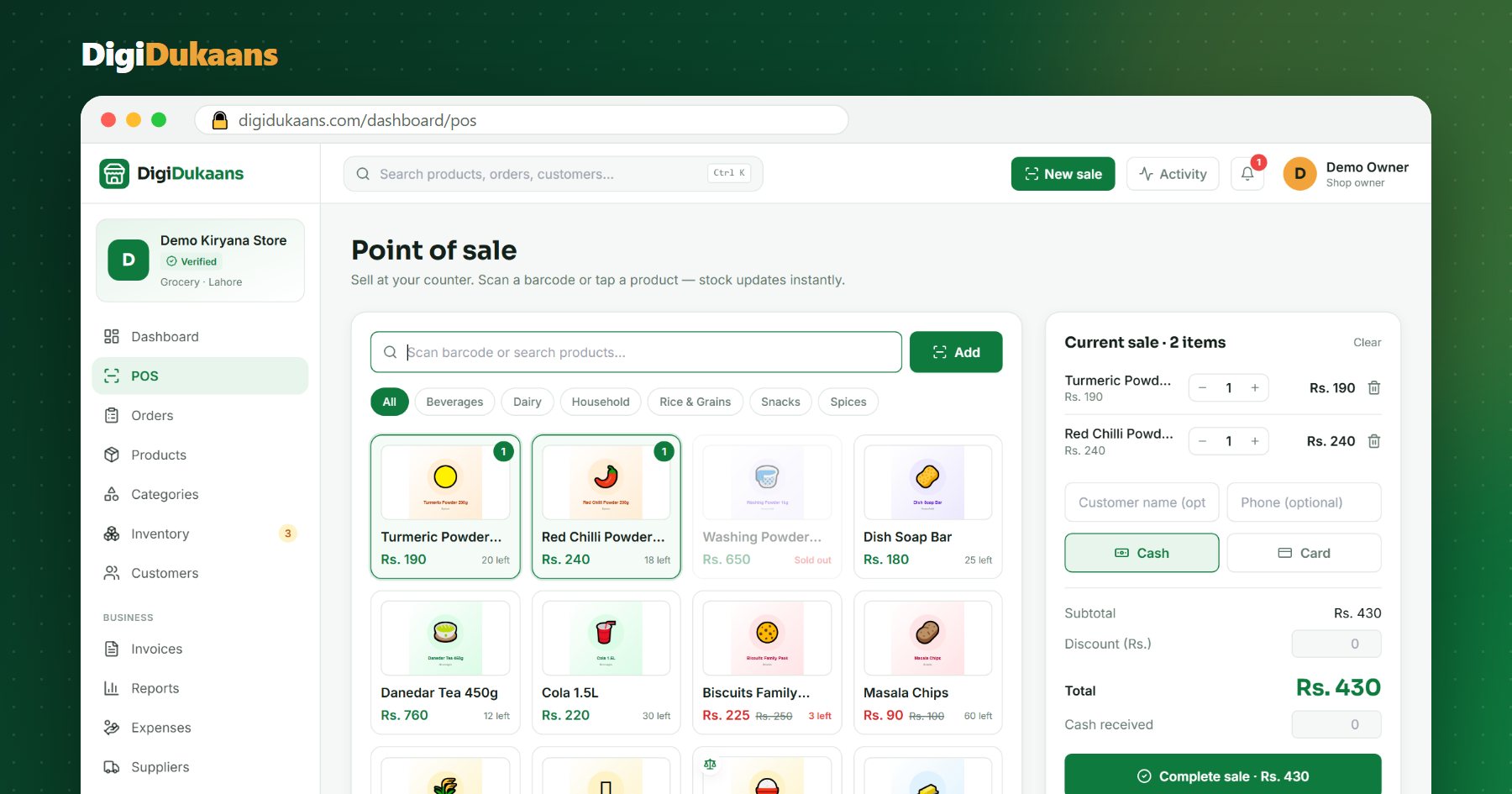
POS Software for Kiryana Stores in Pakistan: What to Look For
A good POS saves time at the counter and stops stock and cash from quietly going missing. Here's what a kiryana store should check before choosing one.
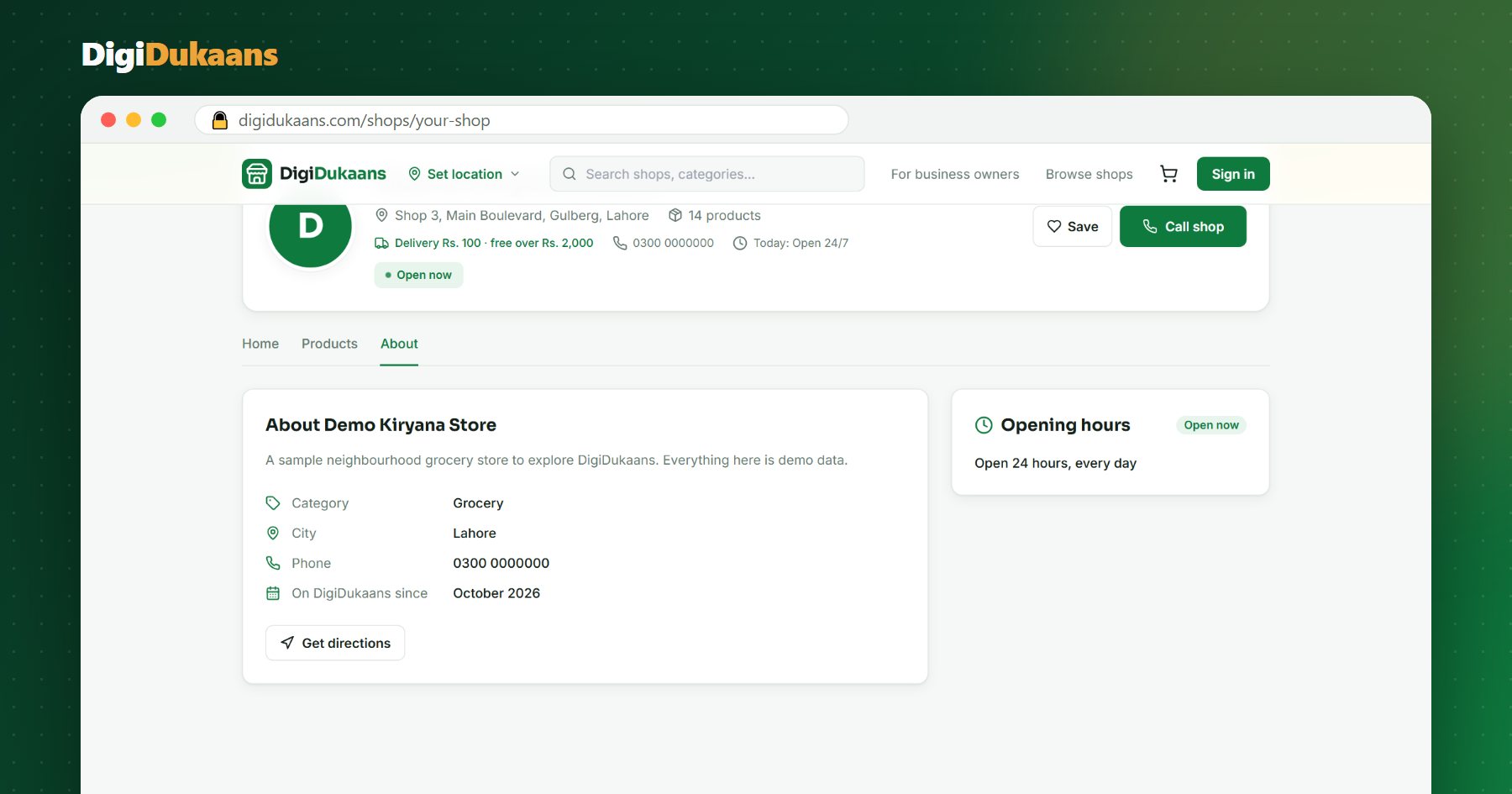
How to Put Your Shop on Google Maps in Pakistan (Step by Step)
When people search "kiryana store near me", Google Maps decides who they see. Here's how to get your dukaan on the map, for free.
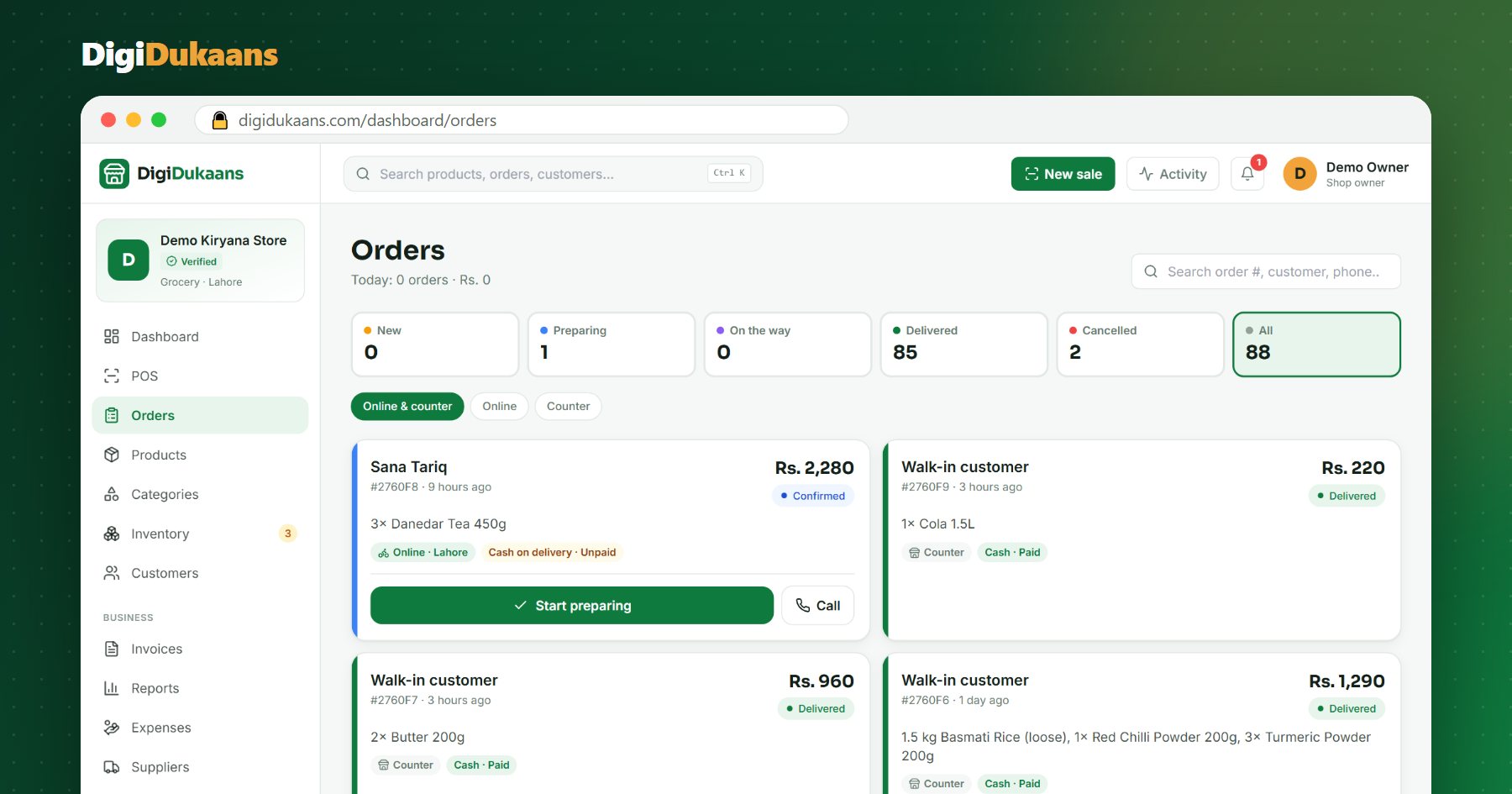
WhatsApp Orders vs an Online Shop: Which Is Better for Your Dukaan?
Most Pakistani shops already sell on WhatsApp. Here's where it breaks down, and how an online shop fixes it without giving up WhatsApp.