How to Put Your Shop on Google Maps in Pakistan (Step by Step)
When people search "kiryana store near me", Google Maps decides who they see. Here's how to get your dukaan on the map, for free.
Search "bakery near me" or "medical store near me" on your phone, and the first thing you see is a map with three shops. Those three get most of the calls and visits. Being on Google Maps is free, and for a local dukaan it's one of the most valuable things you can do.
Step 1: Create your Google Business Profile
- Go to business.google.com and sign in with a Google (Gmail) account you'll keep.
- Enter your shop name exactly as it is on your board. Don't add extra words like "best" or "cheap".
- Choose your category, for example Grocery store, Clothing store, Tailor or Restaurant.
- Place the pin exactly on your shop. Zoom in and check it's the right building.
- Add your phone number and opening hours.
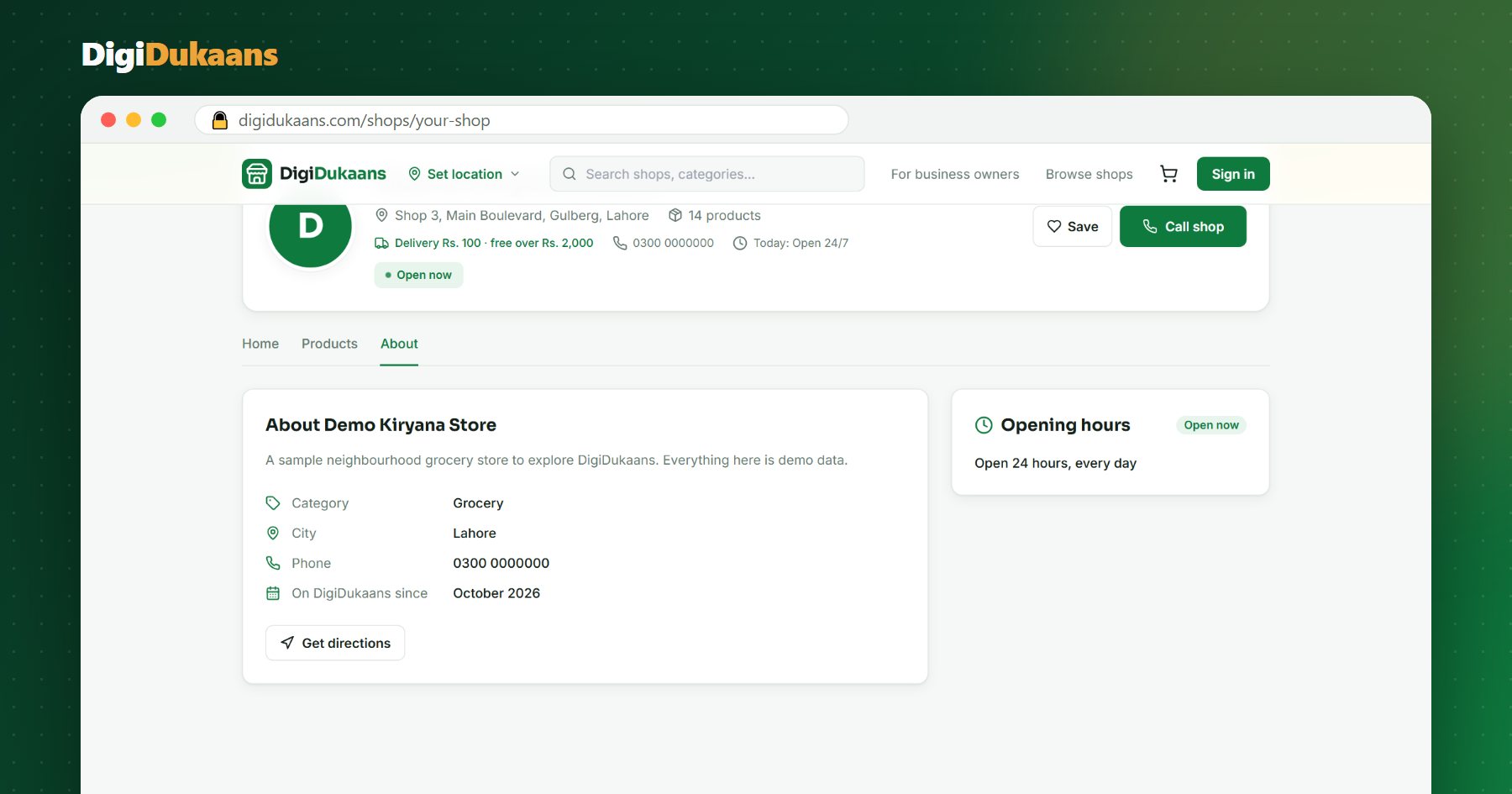
- For website, add your DigiDukaans shop link, so people who find you on the map can order online.
Step 2: Verify your shop
Google checks that your shop is real before showing it. Depending on your shop, it may ask you to record a short video of your shop board, counter and street, or send a code. Follow the steps it shows; without verification your shop won't appear properly.
Step 3: Make your profile look trustworthy
- Photos: your shop front with the board, the inside, your counter and your best products. Real photos, taken in daylight.
- Correct details everywhere. Your shop name, address and phone should be the same on Google, on DigiDukaans, on Facebook and on your board. Different spellings confuse Google.
- Hours: keep them correct, including Ramzan and Eid timings.
Your shop online, free.
Products, online orders and delivery, set up in minutes.
Step 4: Get reviews (the biggest boost)
Shops with more good reviews show higher on the map. Ask happy regular customers to leave a short review; most people are glad to help if you ask and send them the link. Reply politely to every review, good or bad.
Step 5: Connect Maps and your online shop
Google Maps brings people to your shop. Your DigiDukaans shop link lets them order without coming. Put the link:
- as the website on your Google Business Profile,
- in your WhatsApp status and business profile,
- on a QR code poster at your counter.
Your DigiDukaans shop page also shows your location with a "Get directions" button, so it works both ways.
Common mistakes
- Wrong pin location. Customers end up at the wrong street.
- Fake reviews. Google removes them and can suspend the profile.
- Keyword-stuffed names like "Ali Store Best Grocery Cheap Sehwan". Use your real shop name.
- Old phone numbers. Missed calls are lost customers.
Don't have your online shop yet? Open your digital dukaan free, then add the link to Google Maps.
Frequently asked questions
Is Google Business Profile free? +
Yes. Listing your shop on Google Maps with a Google Business Profile is free.
How long does it take to appear on Google Maps? +
After verification it usually appears within a few days, sometimes faster.
Can a home business be on Google Maps? +
Yes, you can hide your exact address and show the area you serve instead.
Which website link should I add? +
Your DigiDukaans shop link, so people who find you on the map can see your products and order online.
DigiDukaans Team · Helping local shops sell online
We build DigiDukaans, the online shop, POS and accounts app for local shops, restaurants, tailors and home businesses in Pakistan.
Keep reading
All posts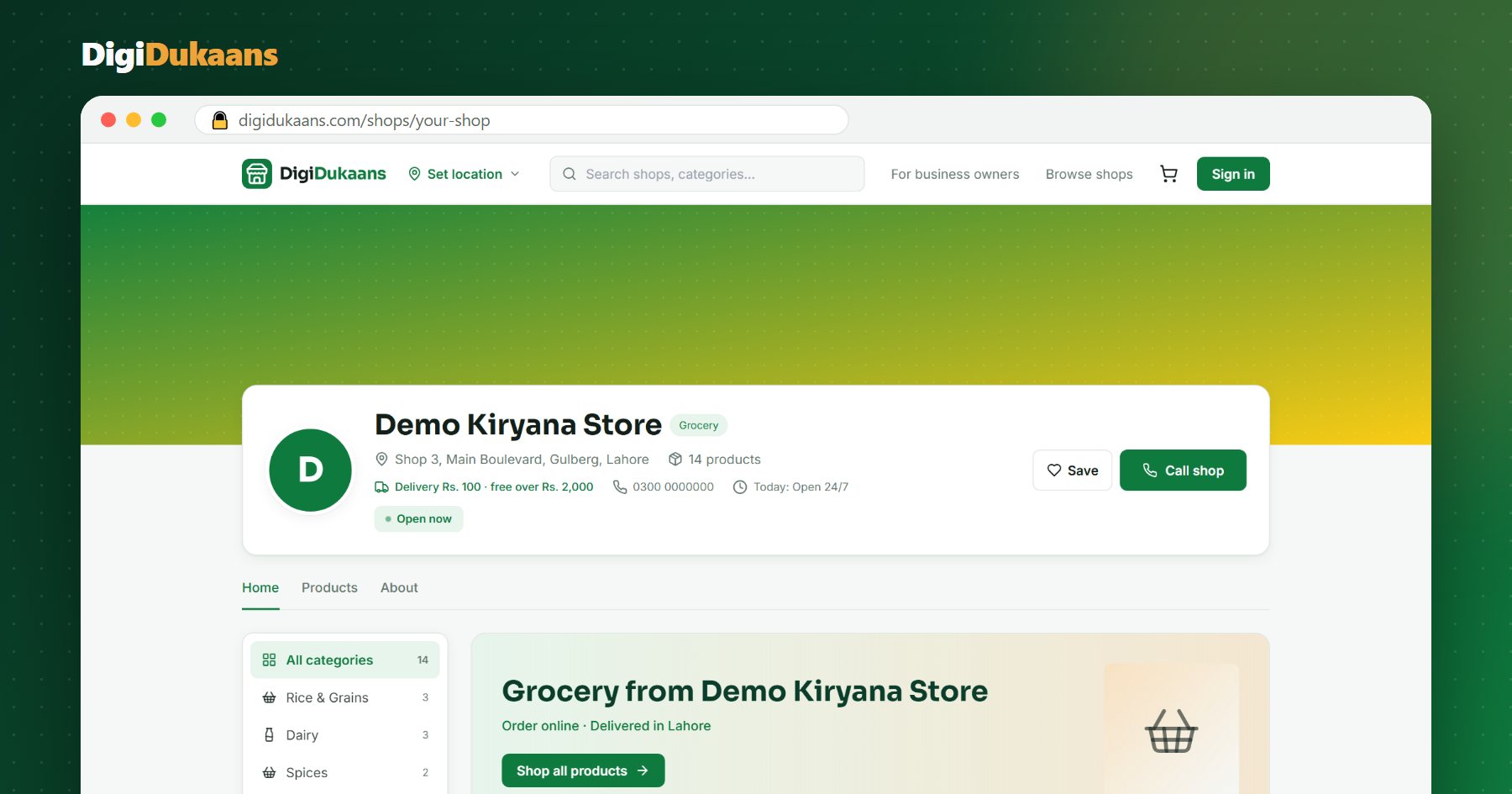
How to Sell Online in Pakistan Without a Website (2026 Guide)
You don't need a developer or a website to take orders online. Here's how a kiryana, cloth or medical store can start selling online this week, for free.
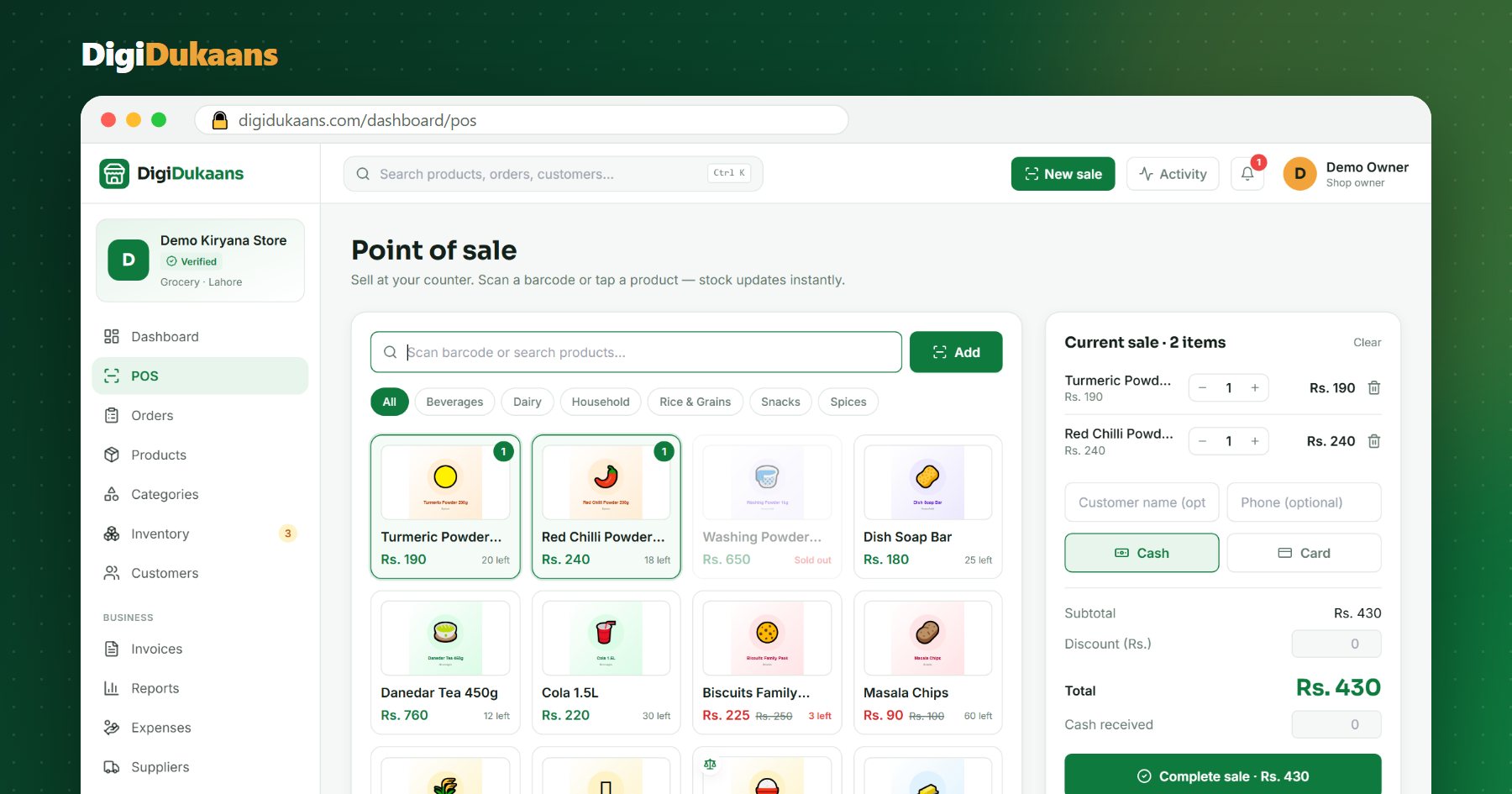
POS Software for Kiryana Stores in Pakistan: What to Look For
A good POS saves time at the counter and stops stock and cash from quietly going missing. Here's what a kiryana store should check before choosing one.
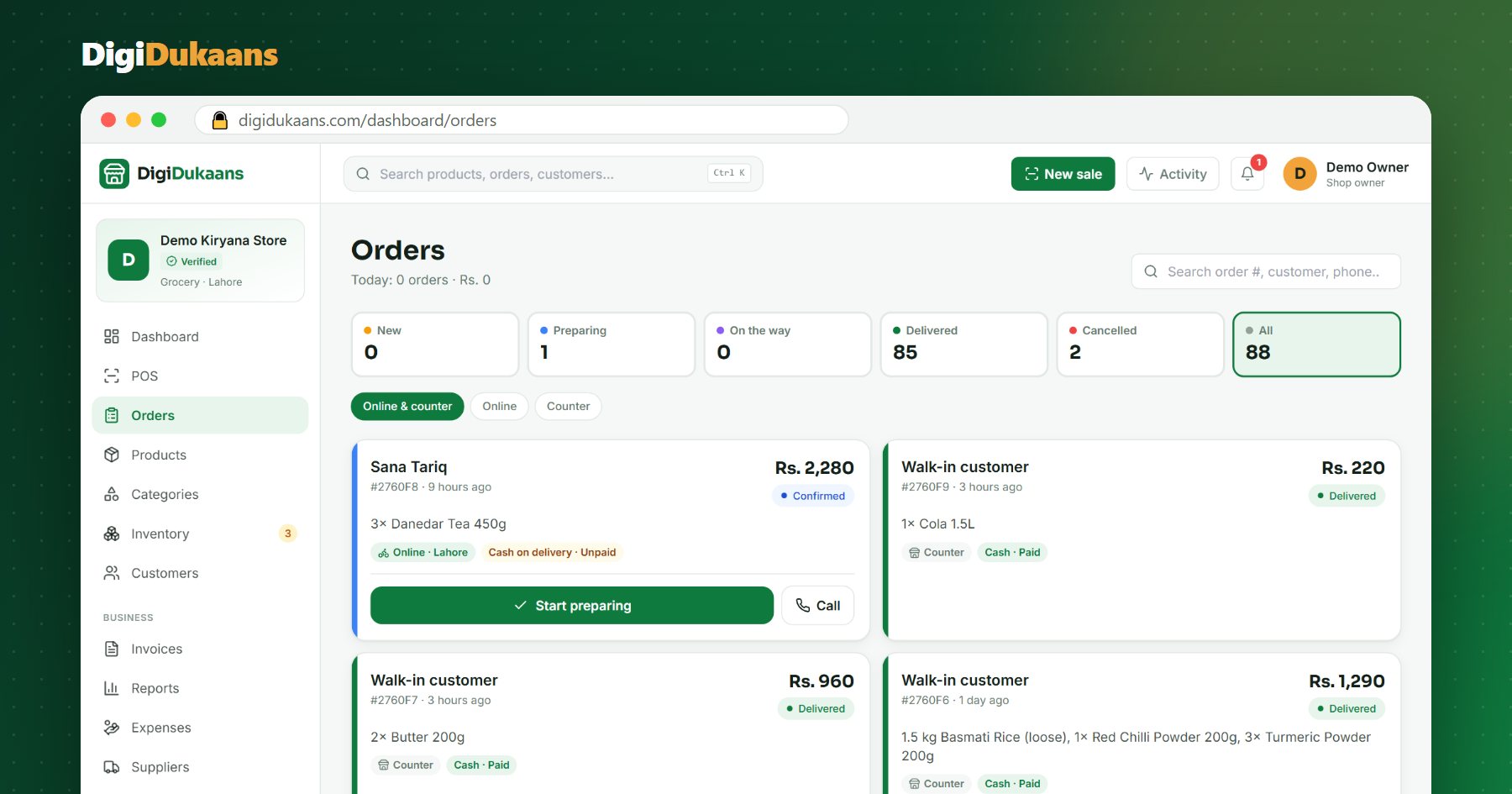
WhatsApp Orders vs an Online Shop: Which Is Better for Your Dukaan?
Most Pakistani shops already sell on WhatsApp. Here's where it breaks down, and how an online shop fixes it without giving up WhatsApp.