WhatsApp Orders vs an Online Shop: Which Is Better for Your Dukaan?
Most Pakistani shops already sell on WhatsApp. Here's where it breaks down, and how an online shop fixes it without giving up WhatsApp.
WhatsApp is how Pakistan shops. Customers send a voice note, a photo of a list, or "bhai ye available hai?". For a few orders a day it works fine. The trouble starts when the shop gets busy.
Where WhatsApp orders go wrong
- Prices one by one. Every customer asks the price of every item, and you type the same answers all day.
- Orders lost in chats. Was it two kilo or three? Which address? It's somewhere in a voice note.
- No record. At the end of the month you can't easily see who ordered what, or your best-selling items.
- Only you can handle it. It's on your phone. Staff can't help without your phone.
- New customers can't find you. WhatsApp only works with people who already have your number.
What an online shop does better
| Online shop | ||
|---|---|---|
| Prices and photos | Asked again and again | Always visible |
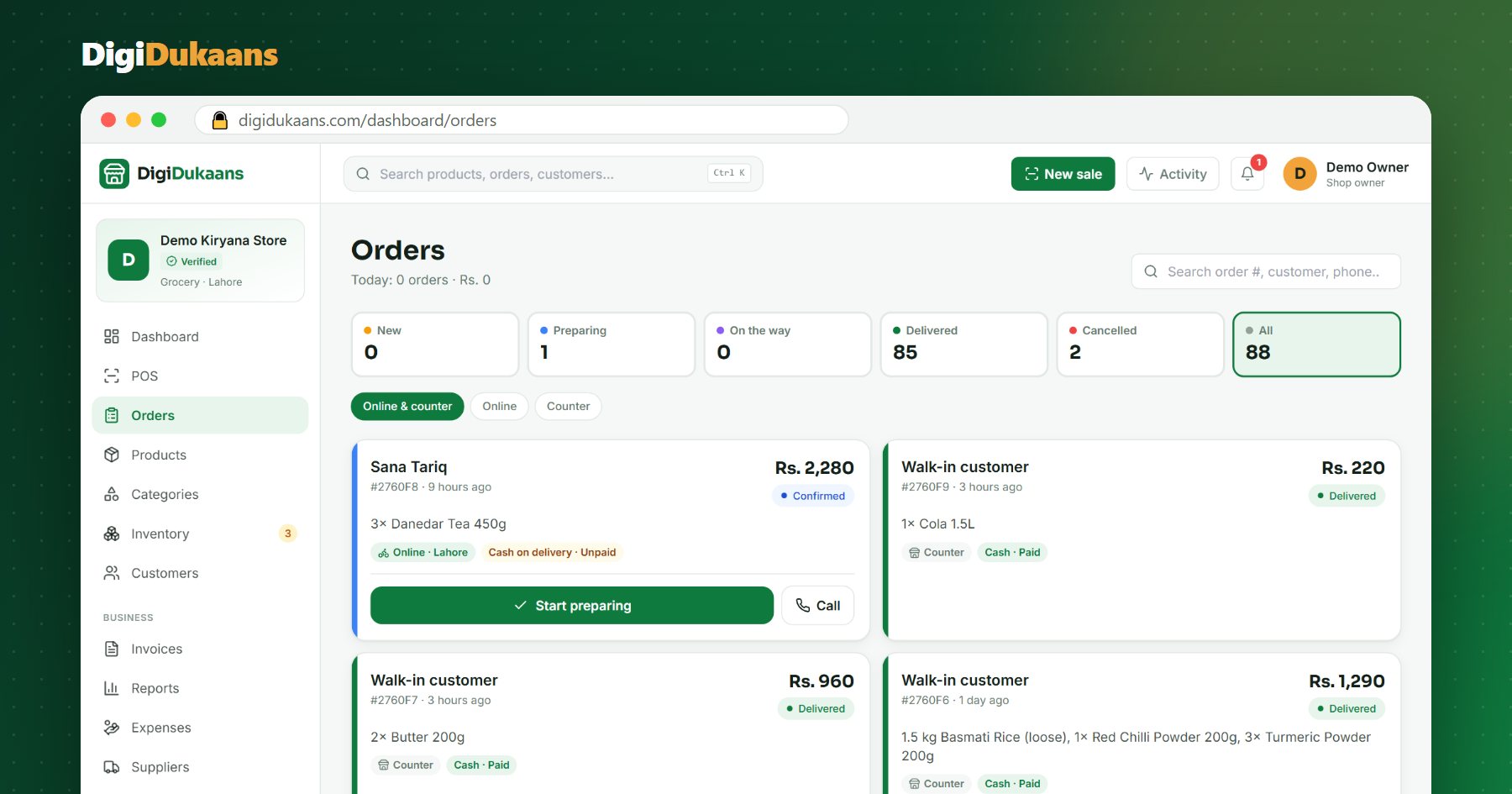
| The order | Spread over messages | One clear order with address and phone |
| Stock | You check each time | Shows what's in stock |
| Record of sales | None | Every order kept, with reports |
| Staff can help | Hard | Yes, with their own login |
| New customers | Only your contacts | Customers nearby can find you |
Your shop online, free.
Products, online orders and delivery, set up in minutes.
The best way: use both together
You don't have to stop using WhatsApp. Use it for what it's good at, talking, and let the online shop take the orders:
- Put your shop link in your WhatsApp business profile and status.
- When someone asks for prices, reply with your shop link: "Sab cheezon ki prices yahan hain, yahin se order karein."
- Orders arrive as clear orders on your dashboard. You can still message the customer on WhatsApp about their order.
- Share new products and offers as links on your status.
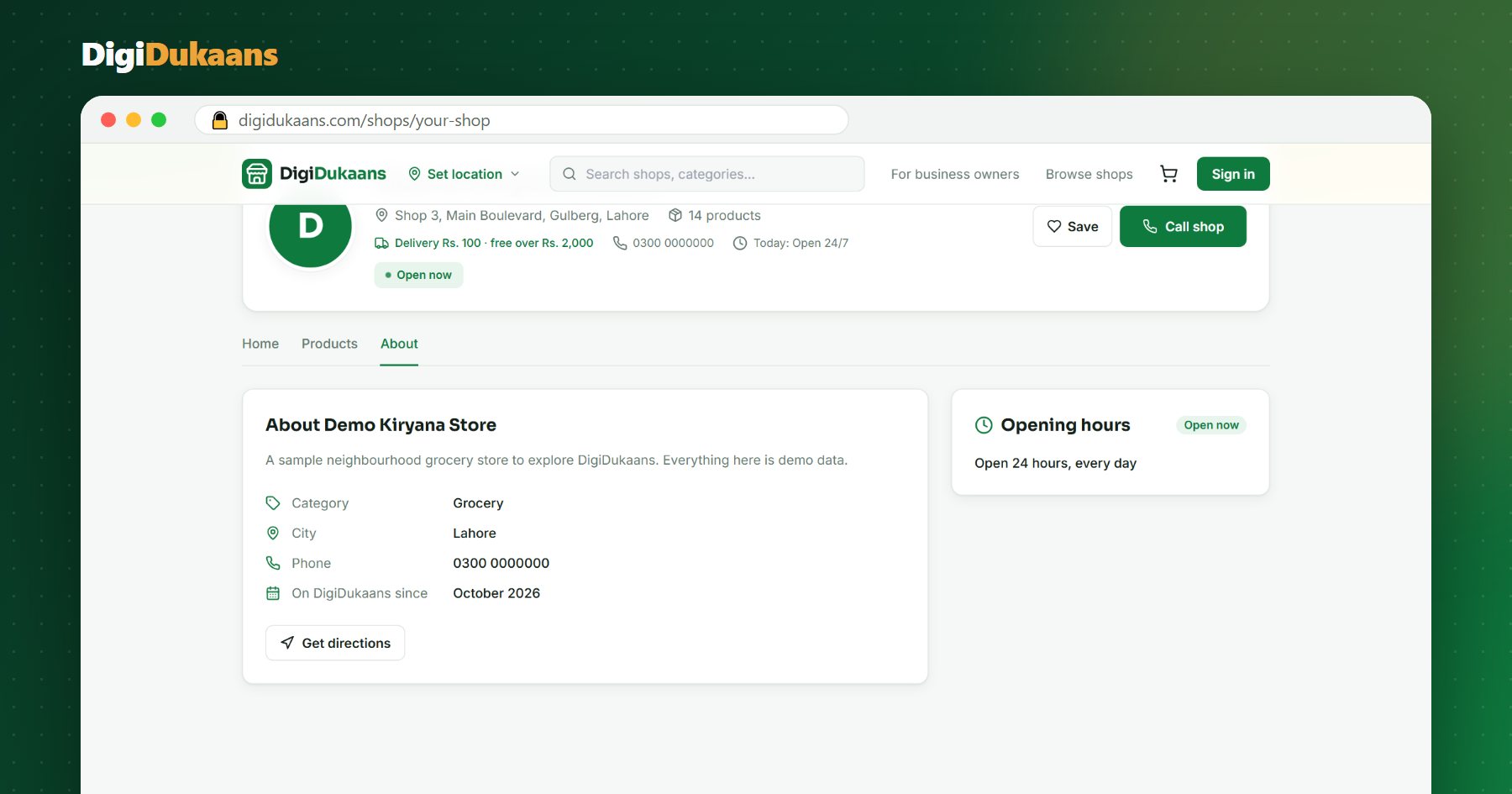
On DigiDukaans you can share your shop, or any single product, on WhatsApp in one tap, and print a QR code for your counter.
The bottom line
WhatsApp is great for conversation, not for managing orders. Give your customers a link with your prices and let them order there; keep chatting as before. Open your digital dukaan free and try it with your regular customers this week.
Frequently asked questions
Do my customers need to download an app? +
No. Your DigiDukaans shop link opens in any phone browser; customers sign in once to order.
Can I still talk to customers on WhatsApp? +
Yes. Keep WhatsApp for questions and updates; the online shop just takes the orders cleanly.
Can I share a single product on WhatsApp? +
Yes. Each product has its own link with its photo and price that you can share in one tap.
DigiDukaans Team · Helping local shops sell online
We build DigiDukaans, the online shop, POS and accounts app for local shops, restaurants, tailors and home businesses in Pakistan.
Keep reading
All posts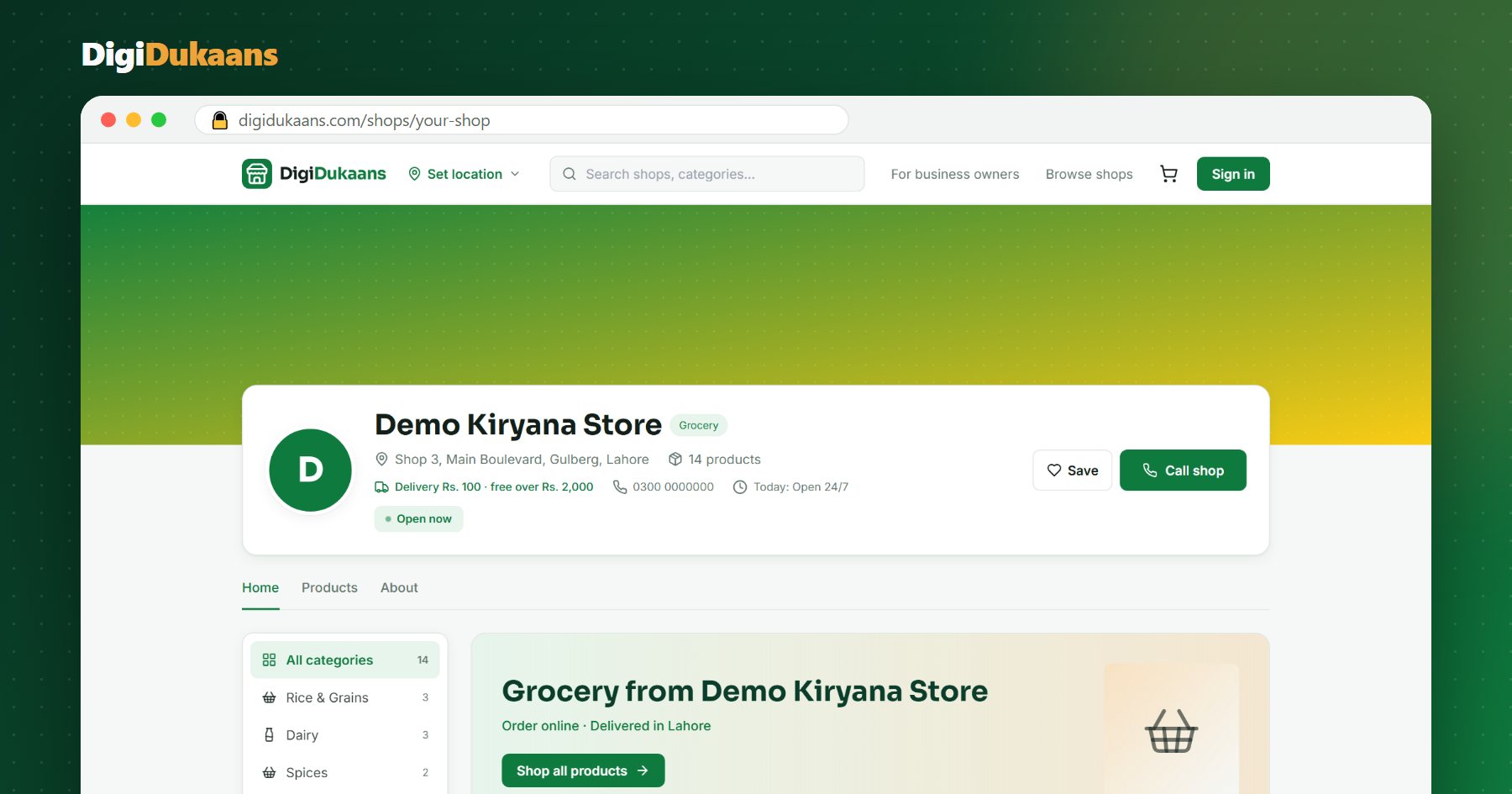
How to Sell Online in Pakistan Without a Website (2026 Guide)
You don't need a developer or a website to take orders online. Here's how a kiryana, cloth or medical store can start selling online this week, for free.
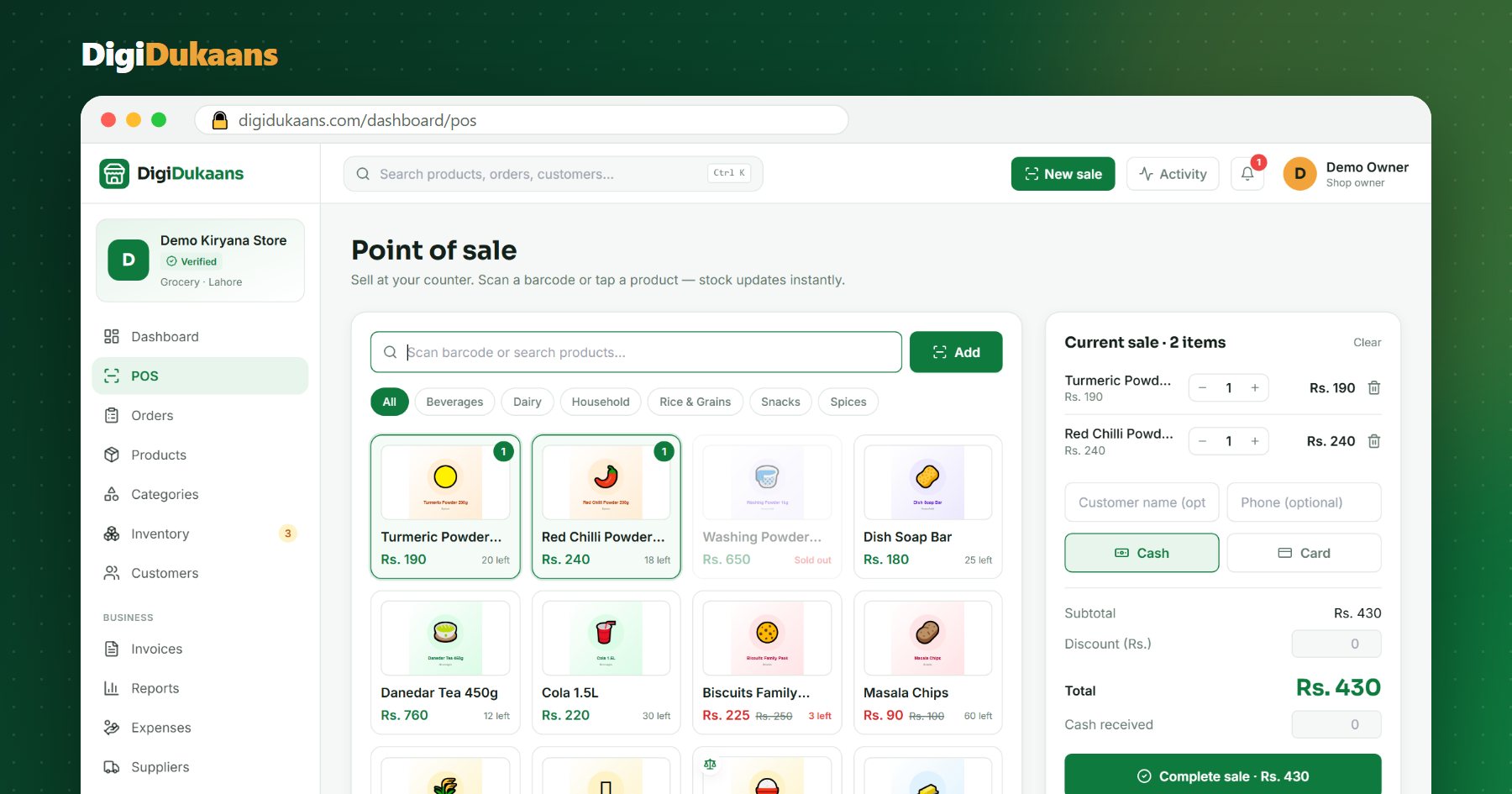
POS Software for Kiryana Stores in Pakistan: What to Look For
A good POS saves time at the counter and stops stock and cash from quietly going missing. Here's what a kiryana store should check before choosing one.
How to Put Your Shop on Google Maps in Pakistan (Step by Step)
When people search "kiryana store near me", Google Maps decides who they see. Here's how to get your dukaan on the map, for free.