POS Software for Kiryana Stores in Pakistan: What to Look For
A good POS saves time at the counter and stops stock and cash from quietly going missing. Here's what a kiryana store should check before choosing one.
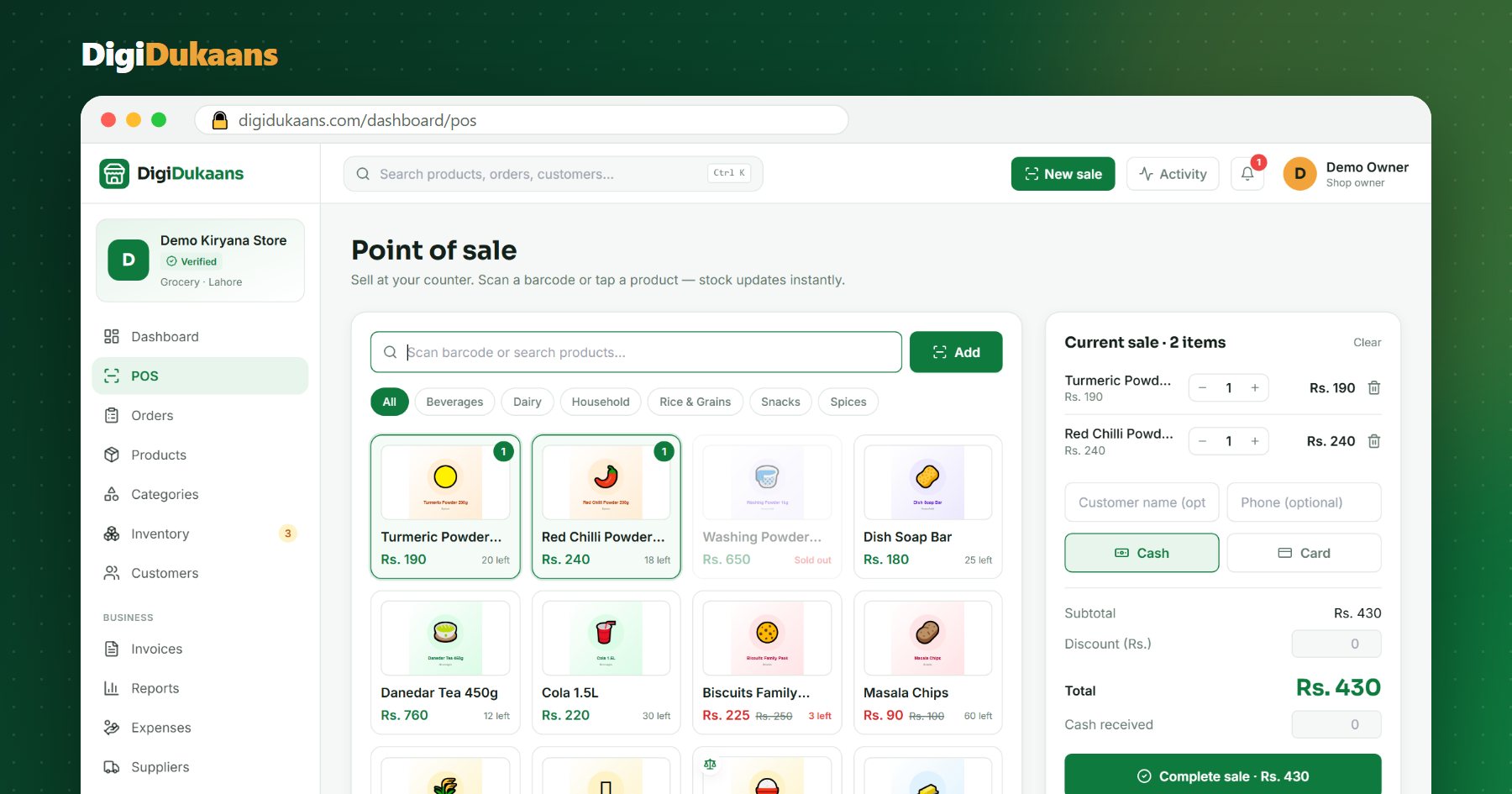
A POS (point of sale) is the screen you bill on at your counter. For a kiryana store it does three jobs: bill customers quickly, keep stock correct, and show you where the money went at the end of the day.
1. Billing that is faster than a calculator
If billing on the POS is slower than a calculator, your staff will stop using it. Check:
- Barcode scanning. Scan a packet and it's on the bill. A cheap USB scanner should just work.
- Search by name. For items without a barcode, typing "sug" should find sugar.
- Loose items by weight. Rice, daal and sugar sold per kg, including half and quarter kilos.
- A printed receipt. On a small thermal printer, with your shop name.
2. Stock that stays correct
The biggest hidden loss in a kiryana store is stock nobody counted. Look for:
- Stock that goes down with every sale, so you always know what's left.
- Low-stock alerts before an item runs out.
- Quick restocking. When a delivery arrives, add 24 or 50 in one go, not one tap at a time.
- Buying price on each product, so the POS can show your real profit, not just sales.
3. Cashiers and cash you can trust
If someone else sits at your counter, you need:
- A login for each cashier, so every sale shows who made it.
- Shifts with a cash count. The POS says how much should be in the drawer, and the cashier counts what is really there.
- Limits on discounts so a cashier can't give away your margin.
Your shop online, free.
Products, online orders and delivery, set up in minutes.
4. Reports a shopkeeper actually reads
You don't need fifty charts. You need a daily report: total sales, cash and card, items sold, and profit. Ideally you can print it on the receipt printer at closing time.
5. Online orders in the same place
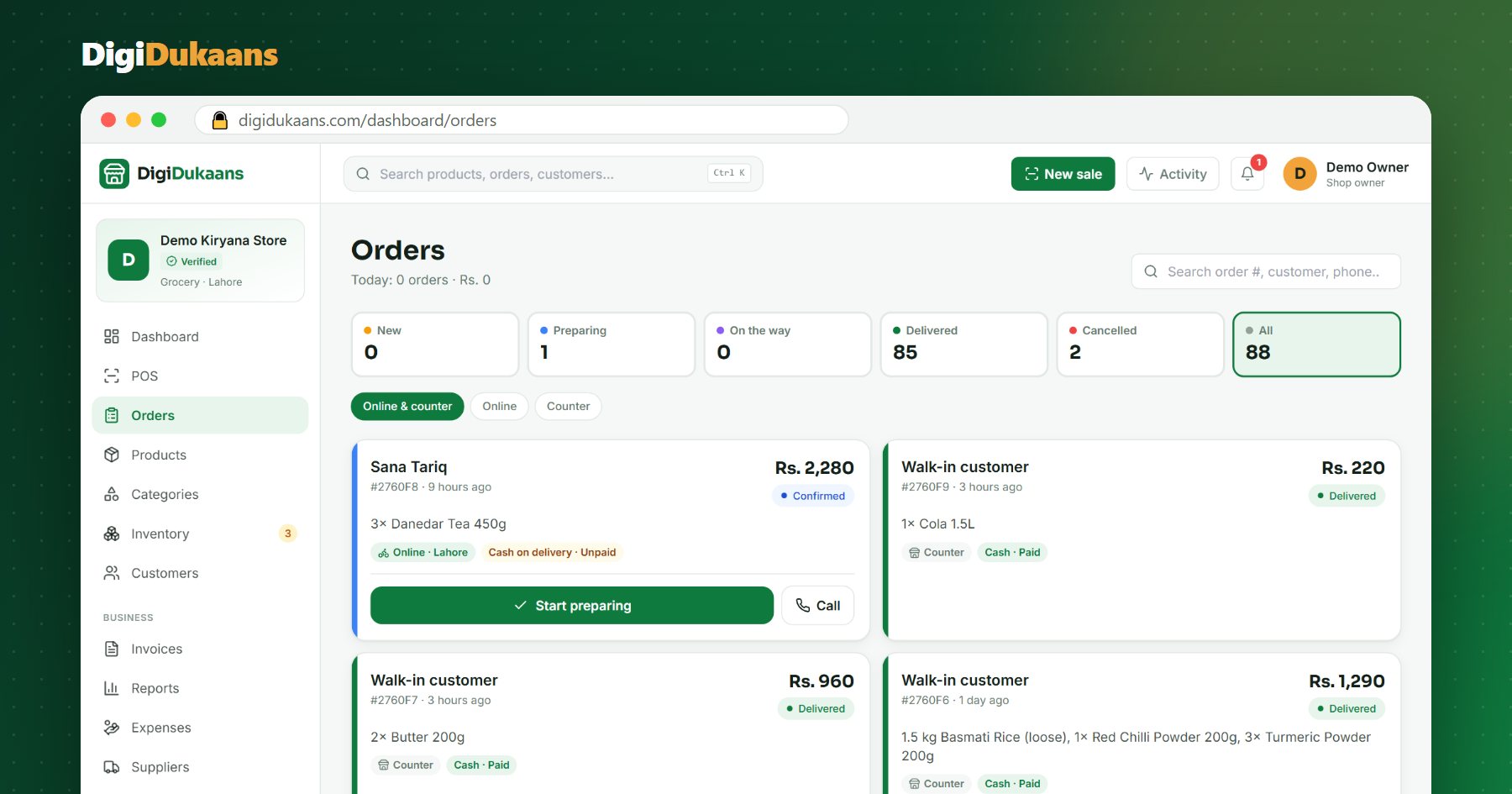
Customers increasingly want to order from home. A POS that also gives you an online shop means one stock count for both: when something sells online, the counter knows.
Questions to ask before you choose
- Does it work in Rupees, with Pakistani phone numbers and cash on delivery?
- Can I try it before I pay?
- What happens to my data if I stop paying?
- Does it need special hardware, or will my phone or old computer do?
How DigiDukaans fits
DigiDukaans includes a counter POS on the Business plan: barcode scanning, weighed items, receipt printing, cashier logins and shifts, stock alerts, buying prices and profit, and a daily report you can print. Your online shop is part of the same system. You can try the live demo with a sample kiryana store, no sign-up needed, or see all the business tools.
Frequently asked questions
Do I need a computer for a POS? +
Not necessarily. A phone or tablet works for small shops. A computer is handy if you use a barcode scanner and receipt printer.
Can a POS sell items by weight? +
A good one can: you enter the weight (for example 1.25 kg) and it charges the price per kg, with stock counted in kg too.
How do I stop cash going missing? +
Give each cashier their own login and end every shift with a cash count. The POS shows what the drawer should have, so any difference is visible the same day.
Can I see my profit, not just sales? +
Yes, if you add the buying price to your products. Reports then show sales minus what the goods cost you.
DigiDukaans Team · Helping local shops sell online
We build DigiDukaans, the online shop, POS and accounts app for local shops, restaurants, tailors and home businesses in Pakistan.
Keep reading
All posts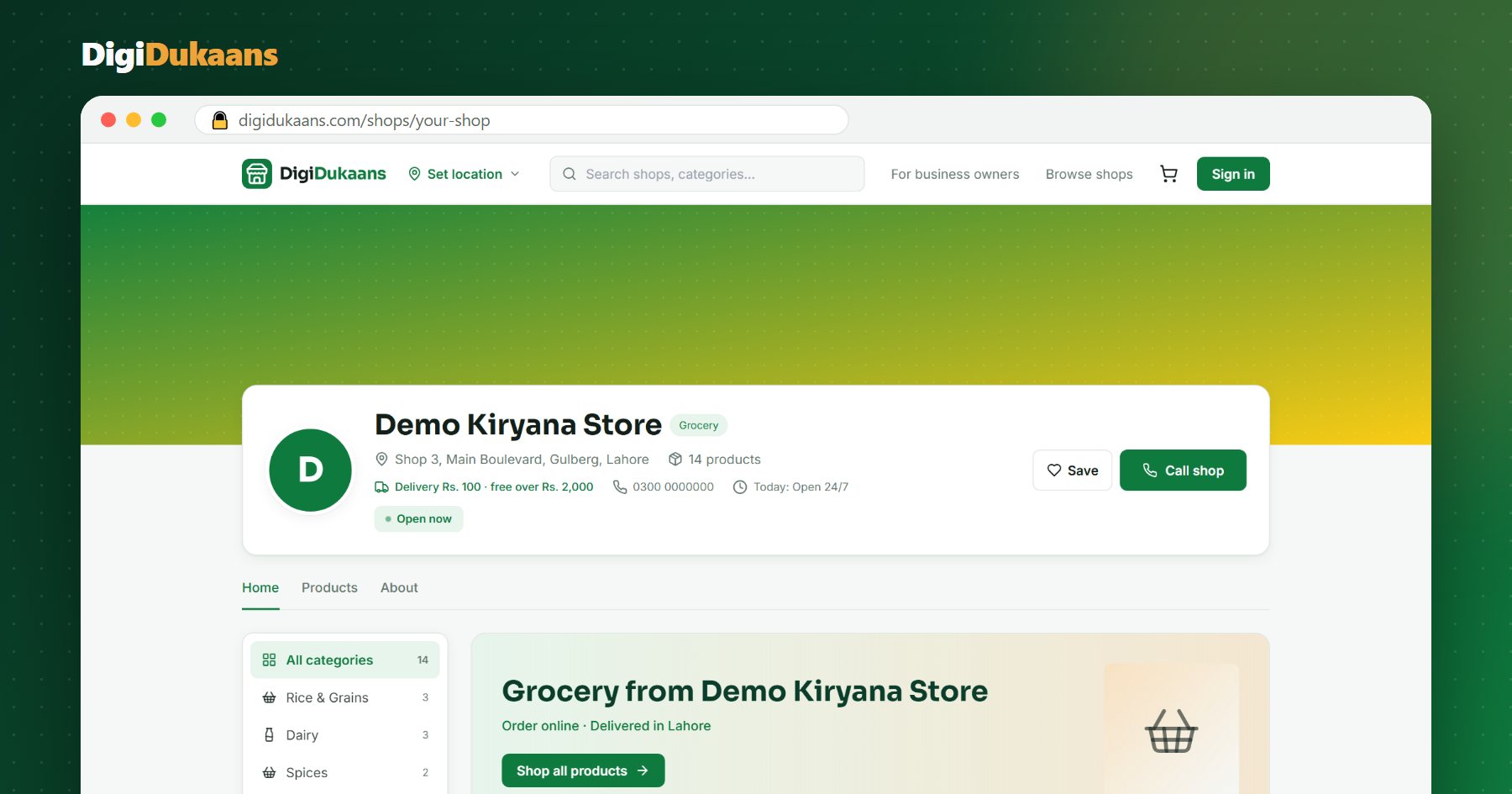
How to Sell Online in Pakistan Without a Website (2026 Guide)
You don't need a developer or a website to take orders online. Here's how a kiryana, cloth or medical store can start selling online this week, for free.
How to Put Your Shop on Google Maps in Pakistan (Step by Step)
When people search "kiryana store near me", Google Maps decides who they see. Here's how to get your dukaan on the map, for free.
WhatsApp Orders vs an Online Shop: Which Is Better for Your Dukaan?
Most Pakistani shops already sell on WhatsApp. Here's where it breaks down, and how an online shop fixes it without giving up WhatsApp.