Stock Management for Small Shops in Pakistan
Simple stock management for small shops in Pakistan: product list, re-order levels, weekly counts, season planning and syncing online orders. Free guide.
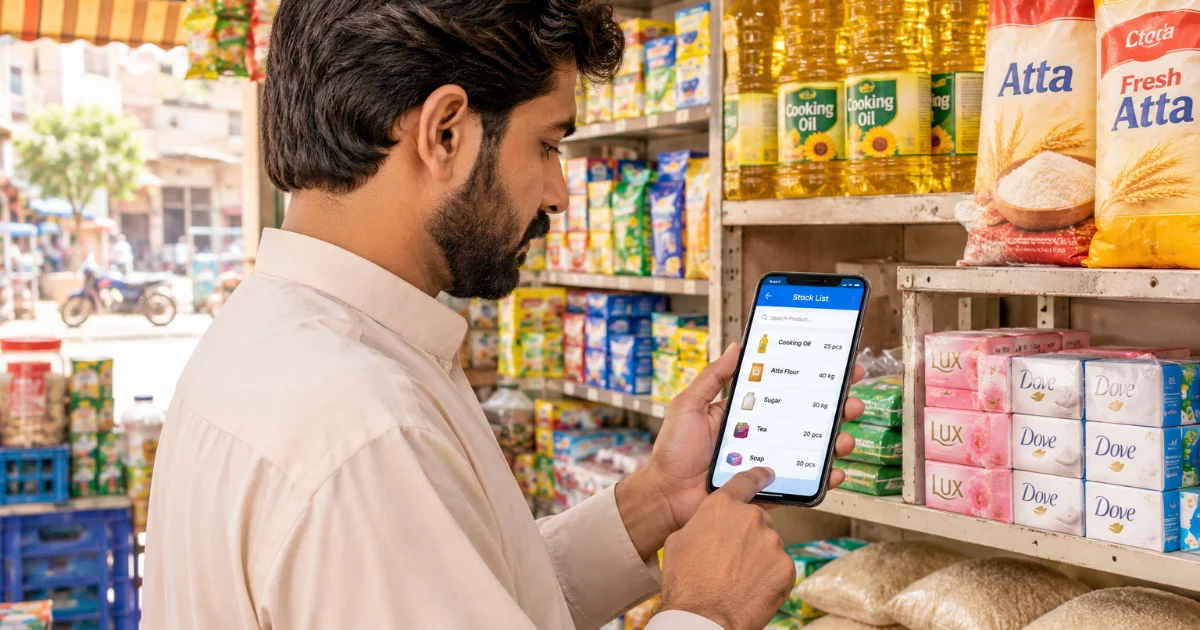
Every shopkeeper knows this moment. A customer asks for a 5 kg bag of atta, or a size-medium kurta, or a phone charger, and you say "haan ji, hai" — then you look on the shelf and it's gone. The customer walks to the next dukaan. You just lost a sale, and maybe a regular customer too.
The opposite problem hurts just as much: cartons of slow items sitting in the back for months, money stuck in stock that nobody is buying.
Good stock management fixes both. And you don't need a big warehouse system or an accountant to do it. This guide shows a simple, practical way to manage stock in a small shop in Pakistan — kiryana, cloth, mobile accessories, cosmetics, or a home business — whether you sell only at the counter or also take orders online.
Why Stock Management Matters for a Small Dukaan
Stock is your money sitting on shelves. When you don't track it:
- You run out of fast-selling items and lose sales to the shop next door.
- You over-buy slow items and your cash gets stuck.
- Expiry and damage go unnoticed — especially for grocery, cosmetics and medicines.
- Small losses add up — a missing packet here, a wrong count there, and at month end the profit doesn't match.
- Online orders become risky — if your online shop shows an item that is finished, you have to call the customer and cancel. That breaks trust.
The goal is simple: always know what you have, what is selling, and what to buy next.
Step 1: Make a Clean Product List
Start with one complete list of everything you sell. For each item write:
- Product name (clear, like "Dalda Cooking Oil 1 Litre", not just "oil")
- Size, colour or variant (for cloth and shoes, write each size separately)
- Buying price and selling price
- Current quantity on hand
Yes, this takes a day or two the first time. Do it on a slow afternoon, one shelf at a time. A clean list is the foundation of everything else.
Tip: Group items by category — grocery, household, cosmetics, clothing, electronics. It makes counting and re-ordering much faster.
Step 2: Choose Your Tracking Method
There are three common ways shopkeepers in Pakistan track stock:
The paper register (stock khata)
Cheap and familiar. Works fine if you have a few dozen items and a steady routine. The problem: it depends on you writing every sale and every purchase, and it can't warn you when something is running low.
Excel or a phone spreadsheet
Better than paper for searching and totals, but still manual. If you forget to update it after a busy day, it is wrong by the next morning.
A shop app that updates stock automatically
This is where most shops end up once they grow. Every time you sell at the counter or receive an online order, the stock goes down by itself. You see what is low without counting.
With DigiDukaans, stock is part of the free Online Shop plan: you add products with their quantity, and your online orders reduce stock as they come in. If you also want a counter POS that works offline and updates the same stock, the Business plan adds that — see pricing. There is no commission on any order.
Whatever you choose, pick one method and stick to it. Two half-updated systems are worse than one good one.
Which method fits your shop?
| Method | Cost | Best for | Weak point |
|---|---|---|---|
| Paper register (stock khata) | A few hundred rupees | Very small shops with under 100 items | Easy to forget entries, no alerts |
| Excel or phone spreadsheet | Free | Shops that are comfortable with a phone or PC | Must be updated by hand after every sale |
| Shop app with POS | Free online shop, Rs 1,999/month for POS | Shops that sell at the counter and online | Needs a phone and a few minutes to set up |
Step 3: Record Every Stock Movement
Stock changes for only a few reasons. Make sure each one is recorded:
- Purchase — new maal arrives from the supplier. Add it the same day, before it goes on the shelf.
- Sale — counter sale or online order.
- Return — customer brings something back, or you return to the supplier.
- Damage or expiry — a broken bottle, a torn suit, an expired packet. Write it off; don't just throw it away silently.
- Personal use — if family takes items from the shop for home, record it. This is one of the most common reasons the numbers don't match.
Step 4: Set a "Re-order Level" for Fast Items
Don't wait until a shelf is empty. For each fast-moving item, decide a minimum quantity. When stock falls to that number, it's time to order.
A simple way to decide:
- Think about how many you sell in a normal week.
- Think about how many days your supplier takes to deliver.
- Keep enough to cover those days, plus a little extra as safety.
For example, if you sell about 2 cartons of a soap every week and the supplier comes once a week, your re-order level might be 1 carton — so you order before you run out, not after.
Review these numbers when seasons change. What sells in summer is not what sells in winter.
Step 5: Do a Regular Stock Count
Even with an app, count physically from time to time. It catches mistakes, theft and damage.
- Fast and expensive items (mobile phones, cooking oil, ghee, branded cosmetics): count every week.
- Everything else: count once a month, one section at a time.
Compare the count with your records. If there is a difference, find out why — a missed purchase entry, a sale not recorded, damage, or something worse. If you have staff, give them separate logins (available on the Business plan) so you can see who sold what.
Your shop online, free.
Products, online orders and delivery, set up in minutes.
Step 6: Follow "First In, First Out"
Put new stock behind old stock, so older items sell first. This matters most for:
- Grocery and packed food (expiry dates)
- Cosmetics and toiletries
- Fashion items that go out of style
Check expiry dates during your monthly count, and put near-expiry items on a small discount or a coupon instead of letting them go to waste.
Step 7: Plan Ahead for Seasons and Rush Days
Pakistani shops have clear busy seasons, and smart stock planning starts weeks before:
- Wedding season (November to February): cloth, unstitched suits, jewellery, cosmetics, gift items, dry fruits, and tailoring rush.
- Ramzan and Eid: dates, besan, Rooh Afza, sewaiyan, new clothes, shoes, bangles and mehndi.
- Eid ul-Adha: spices, masala, charcoal, knives, freezer bags.
- 14 August: flags, badges, green and white clothing.
- Back to school: stationery, bags, uniforms, shoes.
- Local events like the Urs in Sehwan Sharif, when visitors fill the town.
Look at what sold last season (a sales report makes this easy) and order early. Suppliers get busy and prices can move during rush time.
Step 8: Keep Your Online Shop and Counter in Sync
If you sell online, this step is the most important. A customer who orders from your online shop expects the item to be available. If your counter sold the last piece and your online page still shows it, you have to cancel — and that customer may not order again.
A few rules that help:
- Use one stock count for both counter and online sales.
- Mark items "out of stock" the moment they finish, and bring them back when new stock arrives.
- Don't list items online that you only keep one or two of, unless you update them quickly.
On DigiDukaans, products and stock live in one place, so your shop page shows customers what you actually have. You can try it on the demo before adding your own products.
Common Stock Mistakes to Avoid
- Adding new stock "later" instead of the same day
- Not writing down family use, free samples or damaged items
- Buying too much of an item just because the supplier gave a small discount
- Ignoring slow items for months instead of putting them on offer
- Counting the whole shop once a year instead of a little every week
- Letting staff change stock without any record
Frequently Asked Questions
What is the easiest way to manage stock in a small shop?
Make one clean product list with quantities, record every purchase and sale, and count fast-moving items every week. A free shop app that reduces stock automatically with each order saves the most time.
Do I need software for stock management, or is a register enough?
A register can work for a very small shop with few items. Once you have many products, staff, or online orders, an app is much safer because it updates stock for you and shows what is running low.
How often should I count my shop's stock?
Count expensive and fast-selling items weekly and the rest of the shop monthly, one section at a time. Compare the count with your records and find out the reason for any difference.
Can I manage stock for both my counter and online orders together?
Yes. Use one stock list for both. On DigiDukaans, online orders reduce stock automatically, and the Business plan adds an offline counter POS that uses the same stock.
Does DigiDukaans charge commission on orders?
No. DigiDukaans charges no commission on any order. The Online Shop plan, which includes products and stock, is free forever, and the Business plan is Rs 1,999 per month.
Start Managing Your Stock the Easy Way
You don't have to fix everything in one day. Start with a clean product list this week, set re-order levels for your top 20 items, and do your first weekly count. Small habits, done every day, keep your shelves full and your money working.
Ready to put your products and stock in one place? Open your shop free on DigiDukaans. The first 50 shops get 30 days free. Questions? WhatsApp us on 0302 3068831, we're happy to help.
DigiDukaans Team · Founder
Keep reading
All posts
Tailor Shop Management in Pakistan: A Simple 2026 Guide
Lost measurement slips, missed Eid deadlines, advance disputes? Here’s a simple system for tailors and boutiques in Pakistan to manage naap, orders and payments.

10 Home Business Ideas for Women in Pakistan (2026)
Start a business from home with zero investment: home kitchen, frozen food, tailoring, baking and more. Step-by-step ideas for women in Pakistan.
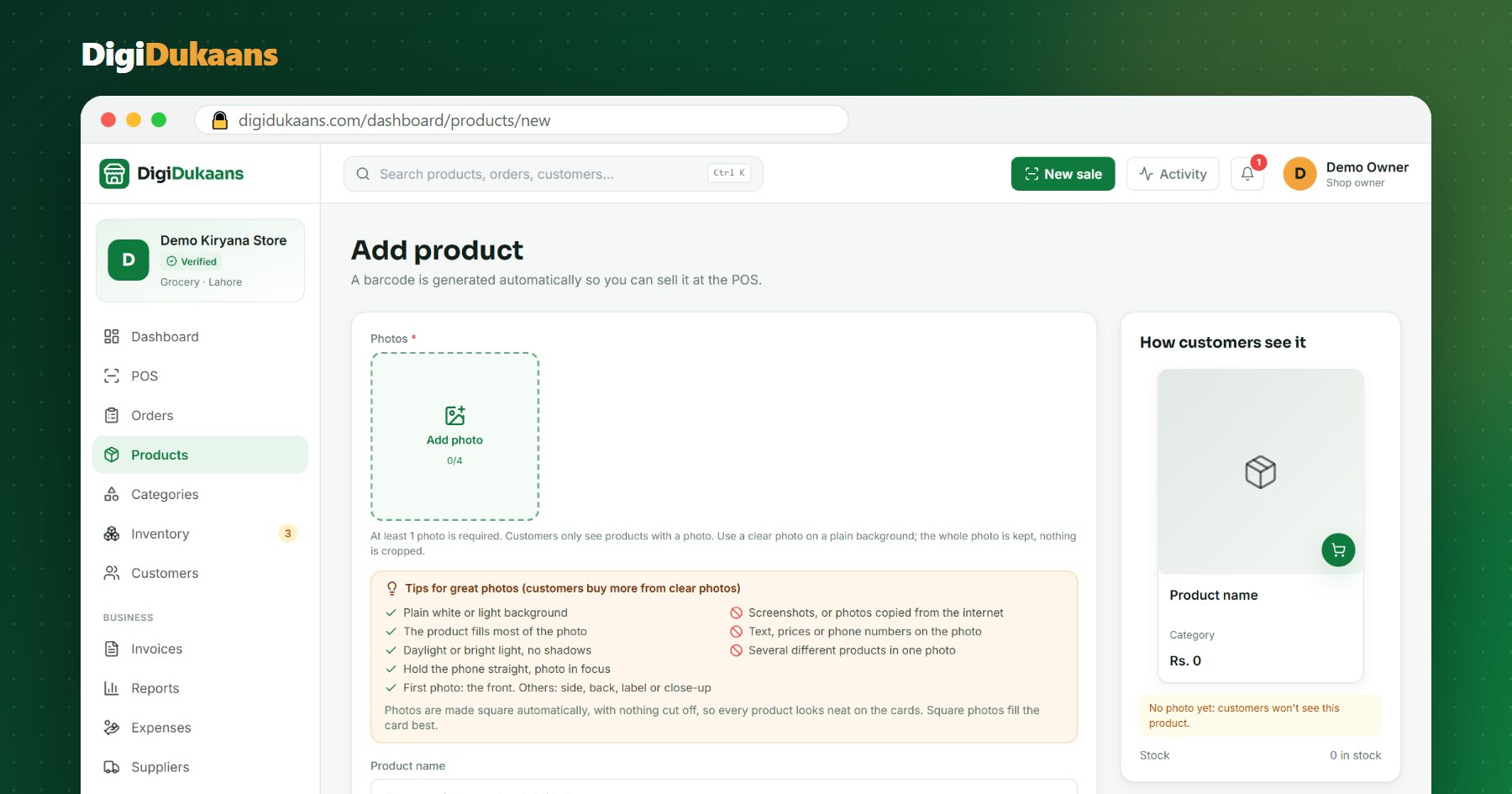
Product Photos With Your Phone: 9 Tips That Make Customers Buy
You don't need a camera or a studio. With daylight, a plain background and a few habits, your phone can take photos that sell.